
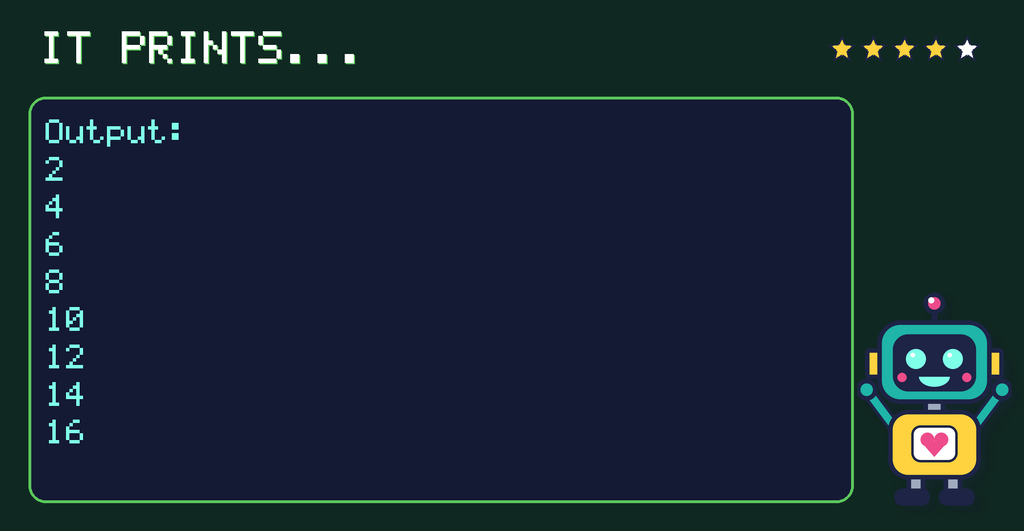
The answer is B. The program prints:
2
4
6
8
10
12
14
16
Why?
% gives the remainder after dividing. A remainder of 0 means the number divides exactly by 2, so the program prints the multiples of 2 up to 16.
Trace table
A trace table follows the program step by step. Here’s this one:
| number | number % 2 | printed? |
|---|---|---|
| 1 | 1 | |
| 2 | 0 | yes |
| 3 | 1 | |
| 4 | 0 | yes |
| 5 | 1 | |
| 6 | 0 | yes |
| 7 | 1 | |
| 8 | 0 | yes |
| 9 | 1 | |
| 10 | 0 | yes |
| 11 | 1 | |
| 12 | 0 | yes |
| 13 | 1 | |
| 14 | 0 | yes |
| 15 | 1 | |
| 16 | 0 | yes |
The code again
for number in range(1, 17):
    if number % 2 == 0:
        print(number)
Try it: change one number in the program and predict the new output before you run it.