
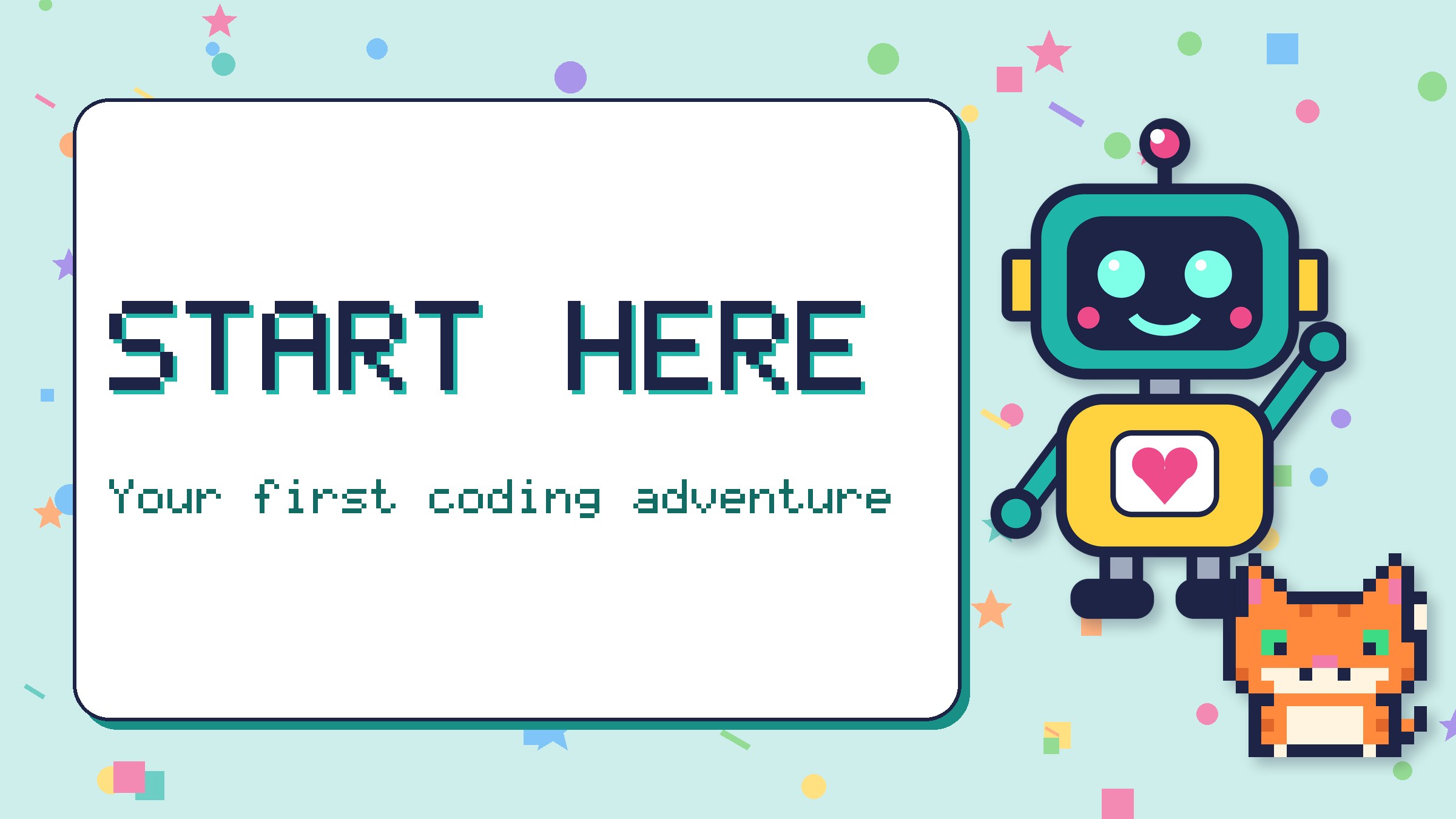
Welcome, coder! This page helps you find the best place to begin. Don’t worry if you’ve never coded before. Everybody starts somewhere, even Beep (Beep’s first program made it walk straight into a wall).
Step 1: Meet your guides
Beep is a friendly robot with a heart on its chest. Beep follows instructions exactly, which is just how computers work. If you tell Beep to walk forward ten steps, it walks ten steps, even if there’s a puddle in the way!
Pixel is a clever cat made of tiny coloured squares. Pixel loves patterns, spots bugs in code and knows lots of shortcuts. Pixel also loves naps and fish.
Step 2: Pick a path for your age
| If you are… | Try this first | Then try |
|---|---|---|
| 6 or 7 | Unplugged: coding games with no computer | Block Coding |
| 8 or 9 | Block Coding or Meet the Turtle | Robots & Electronics |
| 10 to 12 | Python for Kids | Making Games and How Computers Work |
These are only suggestions. Lots of 7-year-olds love Python, and plenty of 12-year-olds enjoy the unplugged games. Go with whatever looks fun!
Step 3: Warm up with a puzzle
Puzzles are a great way to get your brain ready. Try a maze, a what comes next pattern or a binary secret. Every puzzle has its own answer page, so you can check your work when you’re done.
Step 4: Print something
Want a break from the screen? Our printables have mazes, colouring pages and code-cracking sheets.
Five tips from Beep and Pixel
- Mistakes are normal. Programmers call them bugs, and finding them is part of the fun.
- Go one step at a time. Run your code often, not just at the end.
- Read code out loud. Saying what each line does helps you spot problems.
- Take breaks. Pixel says a nap can fix almost anything. Moving around and getting a drink helps too.
- Ask for help. A grown-up, a friend or a teacher can be a great coding buddy.
New words confusing you? Check the Code Words glossary.