
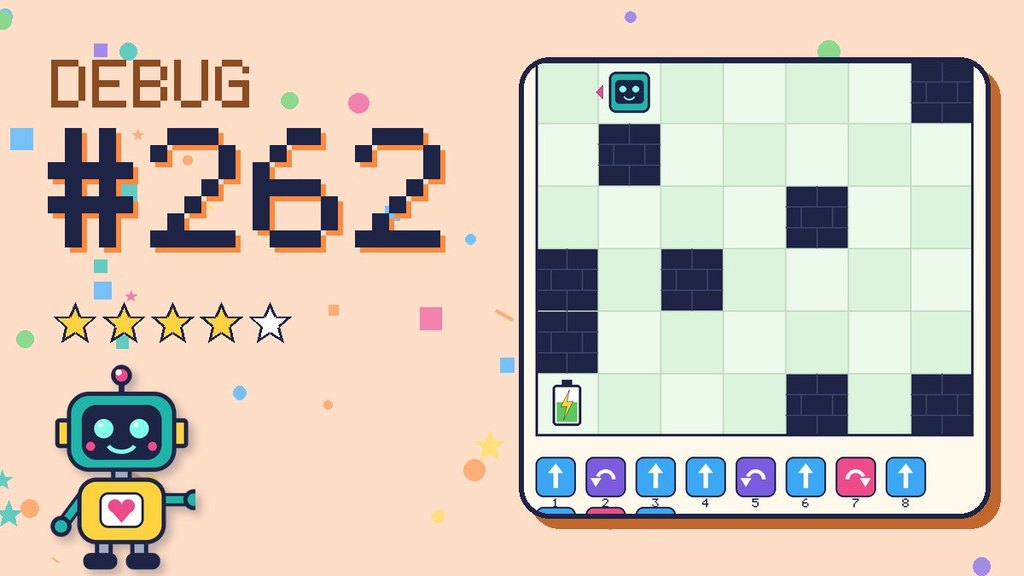
Challenge type: Debug the Robot · Difficulty: ★★★★☆ Tricky · Program length: 11 steps
Beep wrote a program to reach the battery, but something went wrong. Beep is very puzzled. Beep boop?
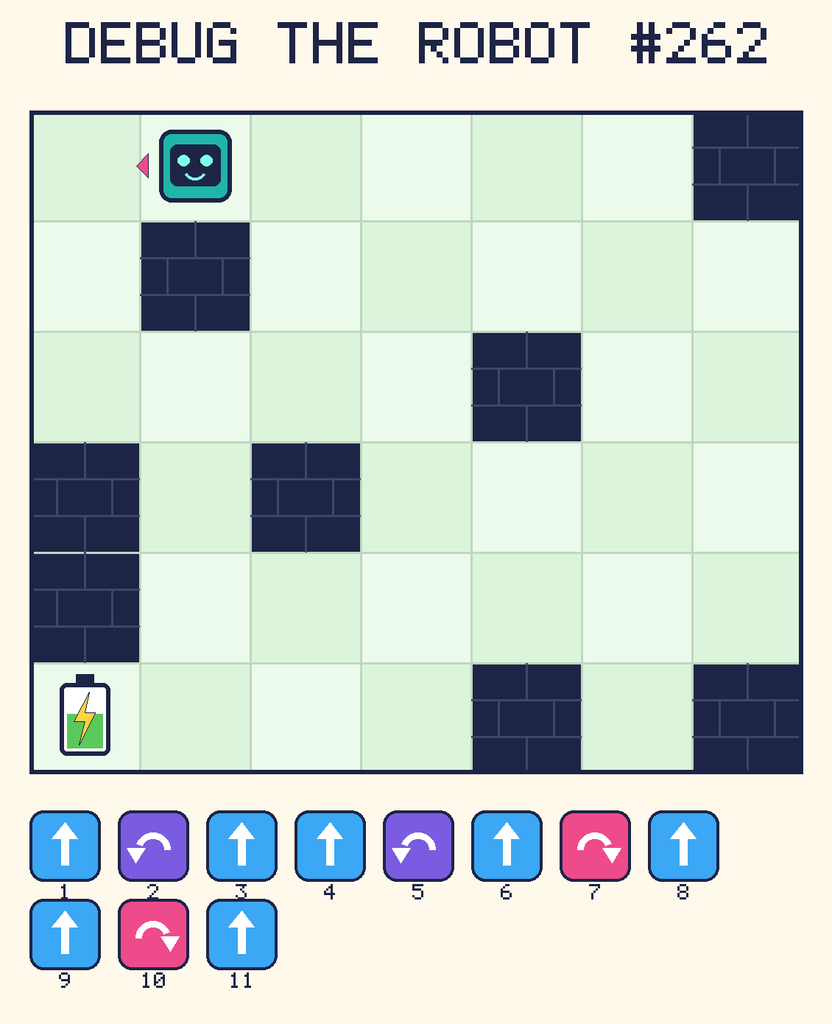
Beep starts at column 2, row 1, facing left. The battery is at column 1, row 6. Grid squares are counted from the top-left corner. Dark brick squares are walls.
Beep’s program
- Forward
- Turn left
- Forward
- Forward
- Turn left
- Forward
- Turn right
- Forward
- Forward
- Turn right
- Forward
Forward moves Beep one square in the direction it is facing. Turn left and Turn right turn Beep on the spot, a quarter turn, without moving to a new square.
Your mission
Follow the program one step at a time with your finger. Find the bug, then fix it so Beep reaches the battery. Is a step wrong, missing, extra, or in the wrong order?
Need a hint?
If you run this program exactly as it is written, Beep bumps into a wall. Look at what happens just before that.
Grown-ups: Acting the program out helps a lot. Draw the grid on paper or with tape on the floor, and let your child walk it, saying each step out loud. Tracing code step by step is exactly how programmers debug.
For teachers and grown-ups
Skills practised: Debugging, tracing a program step by step, and testing a fix.
The big idea: Computers follow instructions exactly. A bug is a mismatch between what we wrote and what we meant.
Questions to ask:
- Where exactly did the program first go wrong?
- What kind of bug was it: a wrong, missing, extra or swapped step?
- How can you check that your fix really works?
Take it further: Act it out on a floor grid made with tape. One child is the robot and only follows the written steps.