
Track: Python for Kids · Lesson 1 of 10 · Ages: 8+ · Time: 30 minutes
Python is a real programming language. Grown-up programmers use it to build websites, study space and teach robots new tricks. Today you are going to use it to boss around a turtle!
Beep says The turtle in Python is not a real animal. It is a little arrow on the screen that carries a pen. Wherever the turtle walks, it leaves a line behind it. Beep boop!
What you need
- A computer with Python installed. A grown-up can help you get it from the official Python website. It is free.
- The program called IDLE, which comes with Python. It is where we will type our code.
- About half an hour, and a big smile.
Grown-ups Python’s turtle module is part of the standard Python install, so there is nothing extra to download. In IDLE, choose File → New File, paste the code, save it, then press F5 to run it. Avoid naming the file turtle.py, because that stops the real turtle module from loading.
Your first program
Type this code into a new file in IDLE. Copy it carefully: capital letters, dots and brackets all matter.
import turtle

t = turtle.Turtle()
t.forward(100)
t.left(90)
t.forward(100)
t.left(90)
t.forward(100)
t.left(90)
t.forward(100)

turtle.done()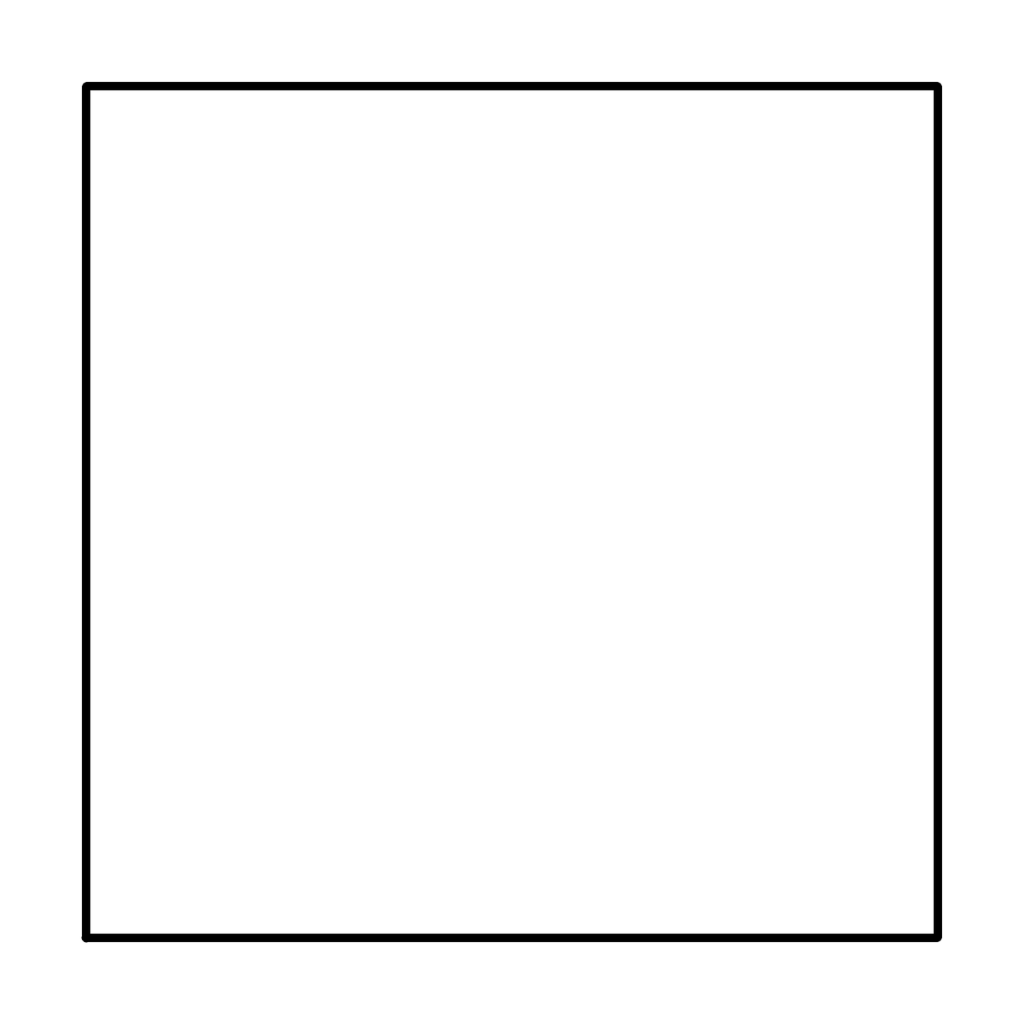
Save it as my_square.py, then press F5. A window opens and the turtle walks around, drawing a square!
Here is what each line does:
import turtletells Python we want to use the turtle.t = turtle.Turtle()makes a new turtle and gives it the namet.t.forward(100)walks forward 100 steps. The steps are tiny, so 100 steps make a short line on the screen.t.left(90)turns left by 90 degrees. That is a quarter of a full turn, like the corner of a book.turtle.done()keeps the window open so you can admire your drawing.
Pixel says Did you notice the same two lines over and over? Forward, left, forward, left. When code repeats itself, there is usually a shortcut. Meow!
The shortcut: a loop
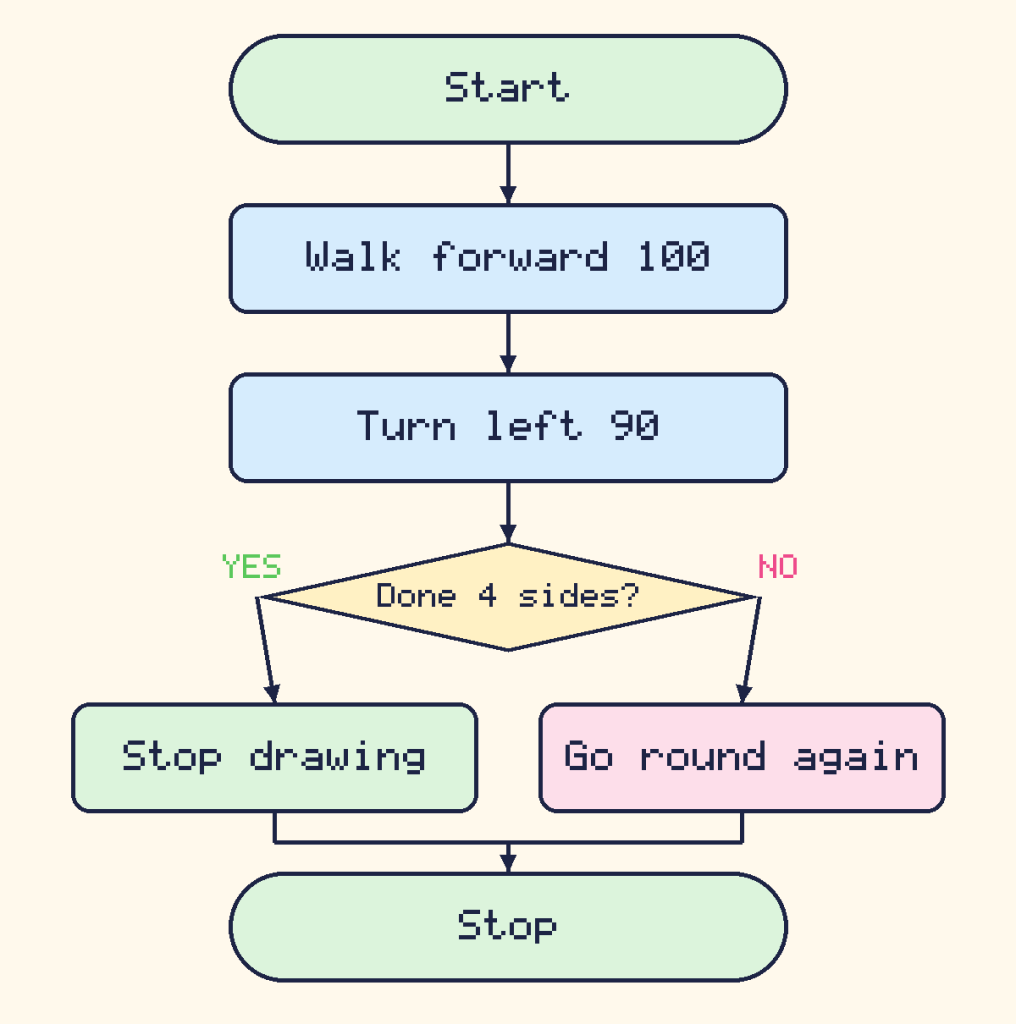
A loop tells the computer to do something again and again. This code draws exactly the same square, but it is much shorter:
import turtle

t = turtle.Turtle()
for side in range(4):
    t.forward(100)
    t.left(90)

turtle.done()
for side in range(4): means “do the next lines 4 times”. The lines that belong to the loop are pushed in with spaces at the start. That push is called indenting, and Python uses it to know which lines to repeat.
Add some colour
Turtles can draw in colour and with a thicker pen. Try this one:
import turtle

t = turtle.Turtle()
t.pensize(5)
t.pencolor("hotpink")
for side in range(4):
    t.forward(150)
    t.left(90)

t.pencolor("dodgerblue")
for side in range(3):
    t.forward(150)
    t.left(120)

turtle.done()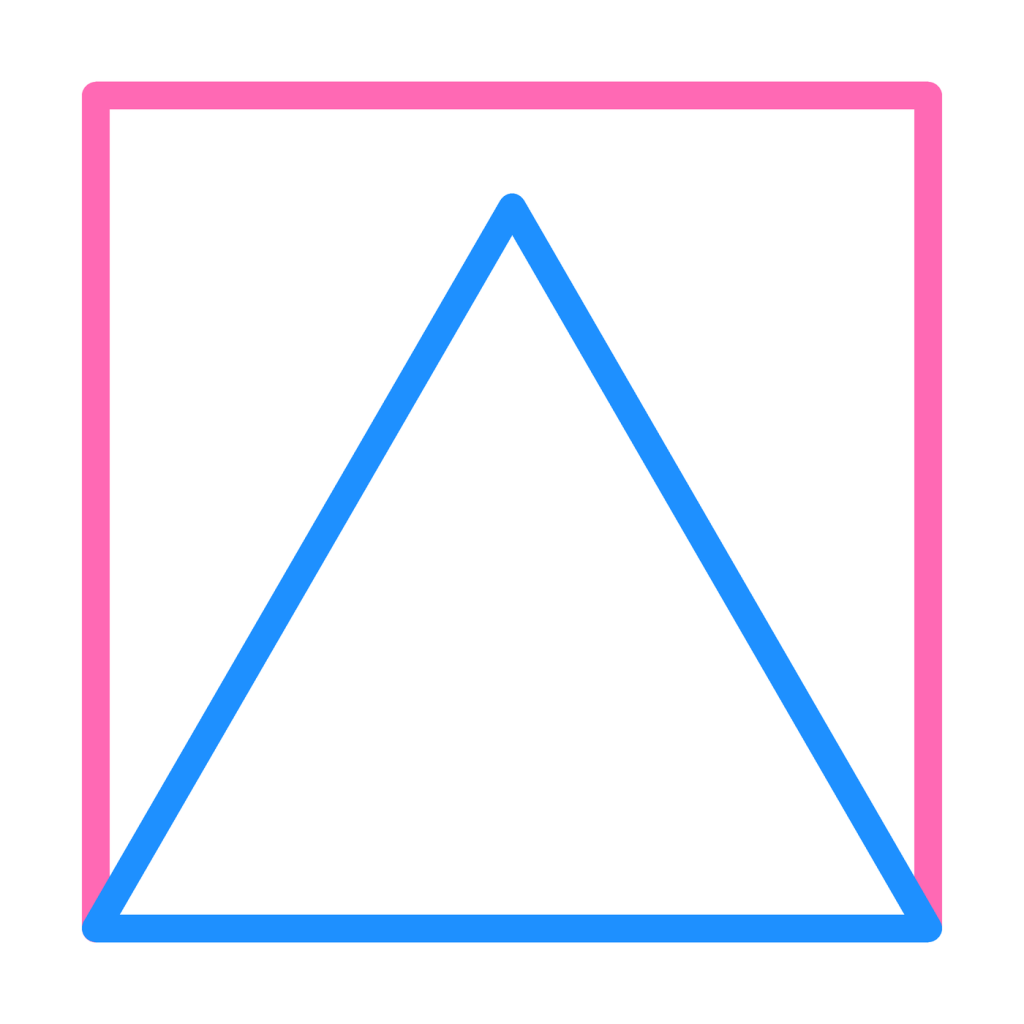
The pink square and the blue triangle share their bottom line, so you see the blue one on top.
Did you know? The first turtles were real robots! In the late 1960s and the 1970s, children steered dome-shaped floor robots called turtles that drew lines on big sheets of paper. The turtle on your screen is named after them.
Challenges
Try it Change the triangle loop so it draws a shape with 5 sides. How far should the turtle turn at each corner?
Show a hint
A full trip around any shape is one whole turn, which is 360 degrees. Share the 360 degrees between the corners: 360 ÷ 5 = 72.
Show the answer
import turtle

t = turtle.Turtle()
t.pensize(5)
t.pencolor("purple")
for side in range(5):
    t.forward(120)
    t.left(72)

turtle.done()
Try it Can you draw a hexagon (6 sides)? What about a shape with 36 sides? What does it start to look like?
What you learned
- A program is a list of instructions the computer follows in order.
forwardandleftmove and turn the turtle.- A loop repeats instructions, so you write less and make fewer mistakes.
- To make a shape with any number of sides, turn by 360 divided by the number of sides.