
Challenge type: Turtle Challenges · Difficulty: ★★★☆☆ Medium · Language: Python
Pixel bets you can’t guess what this draws. Prove Pixel wrong!
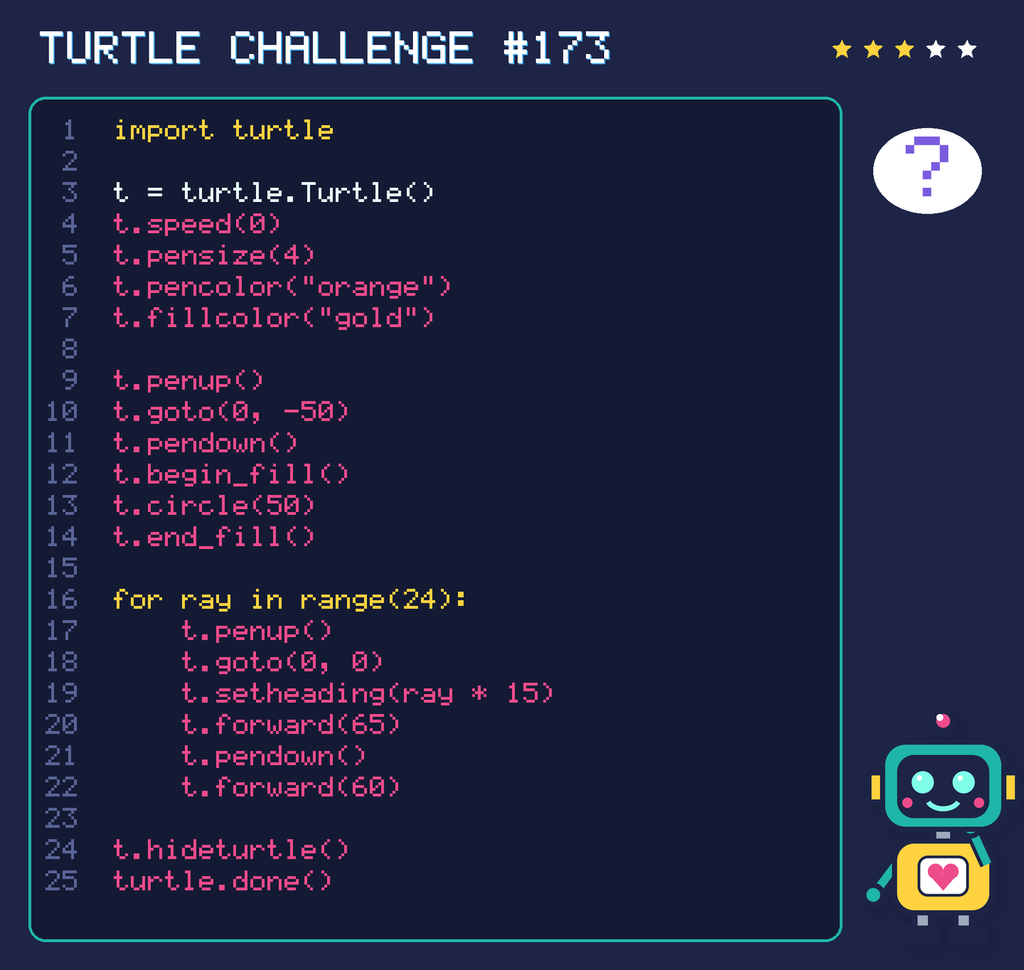
import turtle

t = turtle.Turtle()
t.speed(0)
t.pensize(4)
t.pencolor("orange")
t.fillcolor("gold")

t.penup()
t.goto(0, -50)
t.pendown()
t.begin_fill()
t.circle(50)
t.end_fill()

for ray in range(24):
    t.penup()
    t.goto(0, 0)
    t.setheading(ray * 15)
    t.forward(65)
    t.pendown()
    t.forward(60)

t.hideturtle()
turtle.done()
Think about it
- What does the picture show?
- How many rays will it have?
- Do the rays touch the circle?
Need a hint?
Read the loop first. How many times does it repeat, and what does the turtle do each time? Draw it on paper one step at a time, turning your pencil like the turtle turns.
Grown-ups: This code runs in IDLE, the editor that comes with Python. Open a new file, paste the code, save it (any name except turtle.py) and press F5. A window opens and the turtle draws.
For teachers and grown-ups
Skills practised: Reading code, tracing loops, and connecting angles and shapes.
The big idea: Reading code and predicting what it does (tracing) is as important as writing it.
Questions to ask:
- How many times does the loop repeat?
- How far does the turtle turn altogether?
- Which single number would you change to make a different shape?
Take it further: Children sketch their prediction first, run the code in IDLE, then change one value and predict again.